
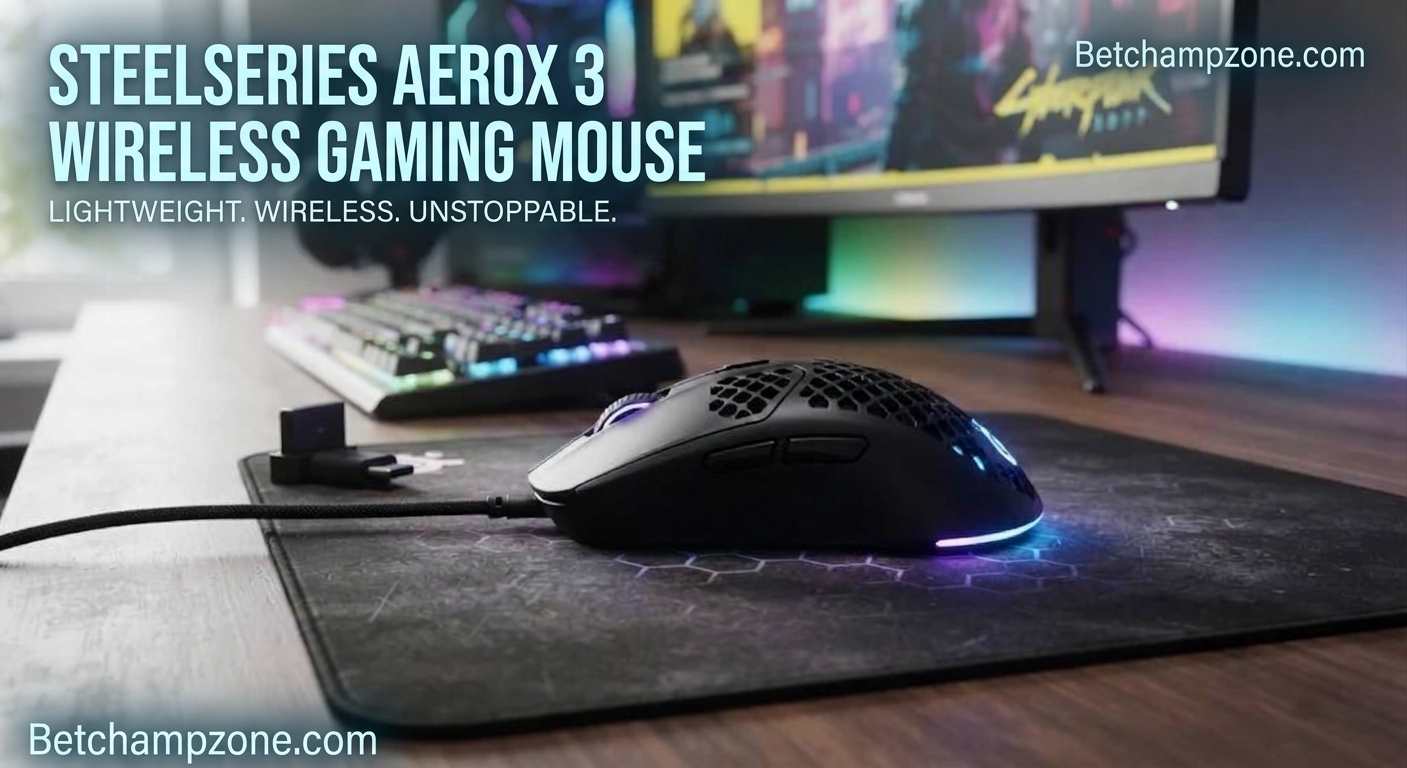
Most people searching for this mouse are comparing it against a few rivals and want a straight answer on whether it is worth buying. This guide covers what the steelseries aerox 3 wireless gaming mouse offers, where it falls short, how the newer Gen 2 differs, and who it suits. Information is current as of November 2026.
Quick Overview
steelseries aerox 3 wireless gaming mouse introduced the Aerox 3 Wireless in October 2020 as an ultralight 66g mouse with IP54 water resistance and dual wireless connectivity. It uses a perforated “honeycomb” shell, three-zone RGB lighting and PTFE glide skates. It sits in the mid-price tier of lightweight wireless mice rather than the premium one. steelseries
There are now two versions. The original (also sold as the 2022 Edition) is still widely stocked. The Aerox 3 Wireless Gen 2 is the newer model with a faster polling rate and a different switch design. When you shop, check which one a listing actually describes.
Key Specifications That Matter
The original model weighs 66g by SteelSeries’ own figure. TechPowerUp measured 67g, with dimensions of about 120.6 x 67 x 38 mm. That makes it a small mouse, which affects who it fits well. techpowerup
It uses the TrueMove Air sensor, the same one found in the pricier Prime Wireless. SteelSeries lists sensitivity in 100 CPI steps and a maximum tracking speed of 400 IPS with 40G acceleration. Some retailers list maximum sensitivity as 18,000 DPI. Treat these as manufacturer claims, since real tracking depends on your surface and settings. trustedreviewssteelseries
The mouse has six buttons in total, which is simple compared with many modern gaming mice.
Design and Comfort
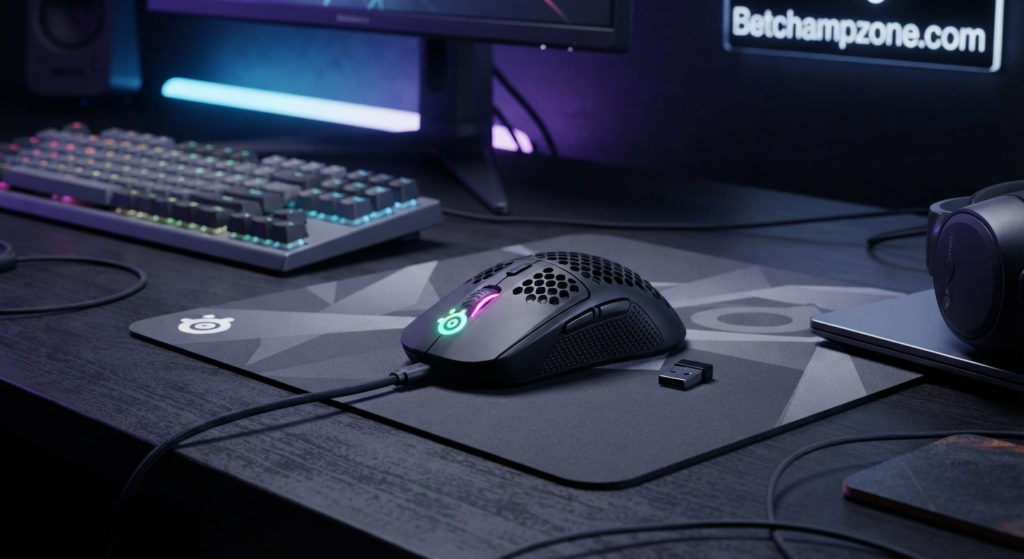
The low, slim shape is the main reason people choose this mouse. SteelSeries describes it as suitable for claw, fingertip or palm grip. In practice, a shell this small works best for claw and fingertip grips. Players with larger hands who rest their whole palm on the mouse may find it cramped. Check your hand length against the dimensions above before buying.
The holes in the shell help keep hands cool and give a firmer grip, and the IP54 rating means it tolerates sweat and light splashes. The trade-off is that dust can find its way into the shell over time, so an occasional wipe-down helps. trustedreviews
The scroll wheel is low-profile. PC Gamer’s reviewer listed it as a drawback alongside slight wake-up lag. If you use the wheel heavily for weapon switching, try one in a shop first. pcgamer
Wireless Performance and Battery Life
The mouse connects through a 2.4GHz USB dongle or Bluetooth 5.0. For competitive play, use the dongle. Bluetooth is slower and may cause trouble in fast games. Bluetooth suits office work or travel. pcgamer
SteelSeries rated the original at 200 hours on Bluetooth and over 80 hours on 2.4GHz. Those figures assume default lighting. Bright RGB drains the battery faster, which is why the mouse ships with lighting power-saving options. The braided 1.8m cable also lets you play wired, and a 15-minute charge reportedly adds about 40 hours. steelseriestrustedreviews
Because it charges over USB-C, it is easy to top up between sessions without any special dock.
Software and Customization
You adjust DPI, lighting, button assignments and macros through SteelSeries software (Engine on older models, GG on newer ones). Tom’s Hardware called GG good but sometimes frustrating, so expect some trial and error with menus. Settings can be stored on the mouse itself, so they stay put if you plug into another PC. tomshardware
Aerox 3 Wireless Gen 2: What Changed
Tom’s Hardware describes the Gen 2 as a roughly $110 mouse with up to 4,000 Hz polling, a 26,000 DPI sensor, mechanical switches, PTFE skates and a semi-translucent shell. Dell’s listing highlights 4K wireless polling and 1.2ms click latency. tomshardwaredell
That reviewer, however, also noted the Gen 2 is not the best-performing mouse on the market. They found the sensor slightly sluggish and needed a higher DPI than usual. They rated the Gen 2 as one of the flashiest rather than one of the most precise. A higher polling rate looks impressive on paper, but most players will not feel the difference between 1,000 Hz and 4,000 Hz, and it can use more battery. tomshardware
Who Should Buy It
The original suits players who want a light, wireless mouse for FPS games or everyday use and who have small to medium hands. It also suits anyone who likes bold lighting and does not want to pay flagship prices. Retail prices change often. One US retailer recently listed the Snow model around $99, but check current prices yourself.
The Gen 2 suits buyers who specifically want higher polling rates or the newer switches and are willing to pay more.
Who Should Skip It
Skip it if you have large hands, need many programmable buttons, or want a tall, ergonomic shape. Also skip it if you play competitively at a high level and want a flagship sensor. In those cases, look at larger or more heavily specified mice from competing brands.
Common Mistakes When Buying
The most common mistake is buying the wrong version because listings use the same name. Check the model number and whether the description says “Gen 2”. Another is assuming battery life figures apply with RGB at full brightness. A third is judging comfort from photos alone, because this mouse is smaller than it looks.
Frequently Asked Questions steelseries aerox 3 wireless gaming mouse
How much does the steelseries aerox 3 wireless gaming mouse weigh?
SteelSeries lists the original at 66g, and independent measurement found about 67g. Check the Gen 2 specification sheet for its own figure, as I could not confirm it.
Can I use it while it charges?
Yes. Plugging in the USB-C cable switches it to wired mode, so you can keep playing while it charges.
Is the Aerox 3 Wireless good for FPS games?
Its light weight, quick wireless connection and TrueMove Air sensor suit FPS play, particularly in claw or fingertip grip. Use the 2.4GHz dongle rather than Bluetooth.
Is it waterproof?
No. The IP54 rating means it resists dust and splashes, not submersion.
Should I choose the original or Gen 2?
Choose the original for value if its feature set covers your needs. Choose Gen 2 only if you want its specific upgrades, and read reviews that discuss its sensor feel first.
Conclusion steelseries aerox 3 wireless gaming mouse
The steelseries aerox 3 wireless gaming mouse is a light, well-featured option for small-to-medium hands, with solid wireless performance and long battery life. Its weak spots are the small size, low-profile scroll wheel and limited button count. Try to confirm the version, the current price and the fit before you buy.
