
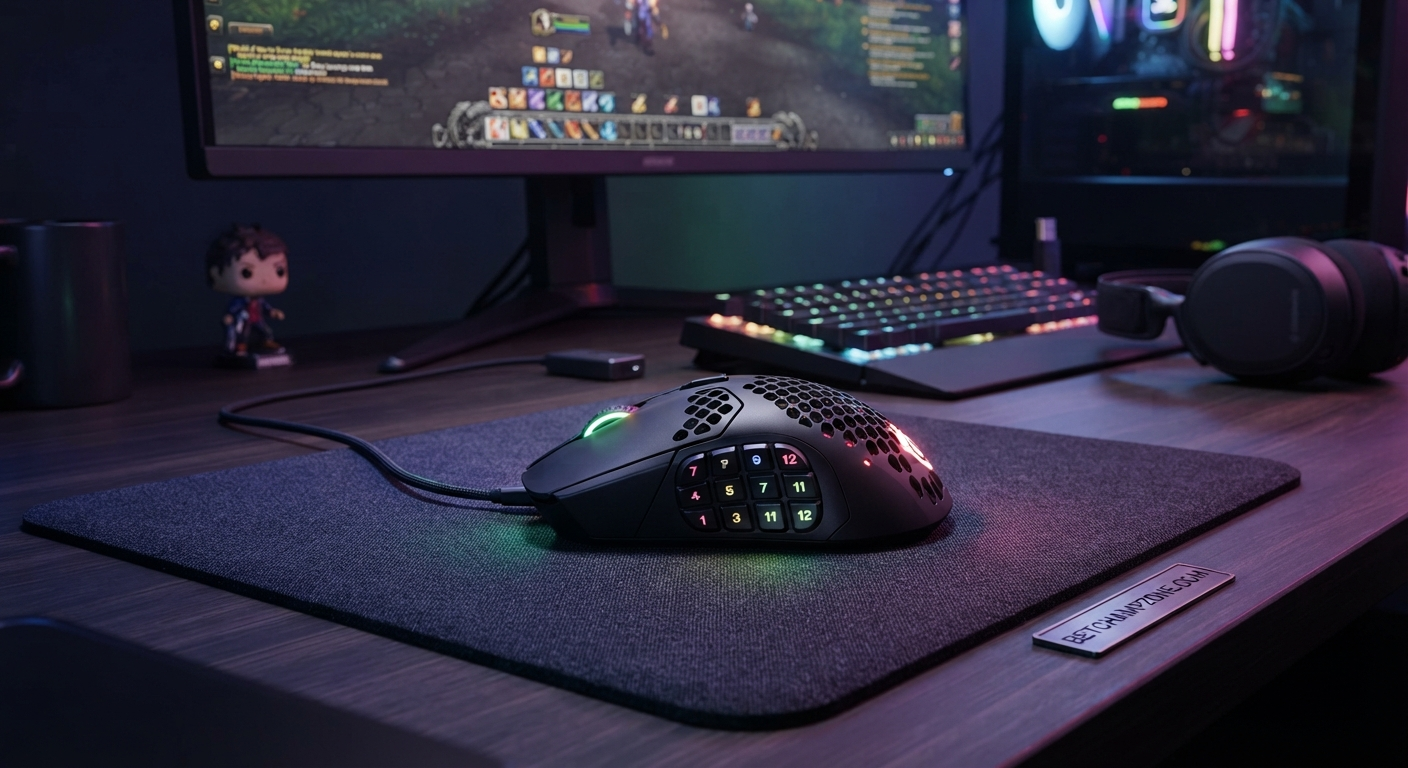
The steelseries aerox 9 wireless gaming mouse is a lightweight MMO and MOBA mouse with 18 programmable buttons and a honeycomb shell. If you’re researching it, you’re likely weighing whether it’s worth the money, how long the battery lasts, and whether the side button grid is practical.
This guide covers the specs, battery behavior, comfort, and weak points, and who it suits. Last updated: November 23, 2026. Prices and availability change often, so check current listings before buying.
How this article was produced: I did not hands-on test this mouse. The information comes from SteelSeries’ product page, retailer listings, and published reviews from Tom’s Hardware, TechPowerUp, GamesRadar, Digital Trends, and Trusted Reviews. I mark where a claim is the manufacturer’s and where it is a reviewer’s observation.
Search intent: who this is for
Most people searching this name are in commercial investigation mode. They’re comparing it with other MMO mice or deciding whether the price is justified. This article is built around the questions that decision raises.
What is the steelseries aerox 9 wireless gaming mouse?
It is the button-heavy member of SteelSeries’ Aerox line. TechPowerUp’s review describes it as the Aerox 5 Wireless with the left panel swapped for a 12-button grid. That description is useful. The Aerox 9 is not a different kind of mouse. It is a familiar ultralight shell with more thumb controls.
The honeycomb cutouts reduce weight. SteelSeries says the holey shell saves up to 20g compared with a solid design.
Key specifications
| Spec | Detail |
|---|---|
| Weight | 89g (SteelSeries); 88g measured by TechPowerUp |
| Buttons | 18 programmable, including wheel click |
| Sensor | TrueMove Air optical, up to 18,000 CPI, up to 400 IPS |
| Connectivity | 2.4GHz (Quantum 2.0) and Bluetooth 5.0, plus wired USB-C |
| Dimensions | 128.8 × 68.2 × 42.1 mm (L × W × H, at the rear) |
| Water and dust | IP54 (AquaBarrier) |
| Shape | Right-handed only |
| Software | SteelSeries GG (Engine) |
Switches are rated IP54 and described by TechPowerUp as TTC Golden Micro models rated for 80 million clicks. The in-box contents, per Tom’s Hardware, include a 2m braided USB-C to USB-A cable, a USB-C to USB-C extension adapter, and the 2.4GHz dongle.
Battery life: read the fine print
SteelSeries advertises up to 180 hours. That figure applies to Bluetooth mode and low-power 2.4GHz mode. In the default 2.4GHz mode, SteelSeries’ own page says to expect up to 80 hours.
Reviewers’ observations add context:
- Tom’s Hardware found that disabling the lighting drastically improves battery life, and that the 180-hour figure is credible over Bluetooth.
- TechPowerUp criticized the battery life, noting that RGB settings affect it. It argued the design could have used a larger battery.
- Retailer listings repeat SteelSeries’ fast-charge claim: 15 minutes of charging for more than 40 hours of use. I couldn’t verify that independently.
In practice, expect real-world endurance to depend on three things: connection mode, lighting, and polling behavior. If you want the longest life, turn off or dim the RGB and use Bluetooth for casual work.
One small annoyance from a Best Buy customer review: there is no battery indicator in the system tray. You have to open SteelSeries GG to see the charge level. This is user feedback, not a confirmed specification, so check it against your own setup.
The 18-button layout
Twelve of the buttons sit in a grid on the left side. The rest are the standard left and right clicks, wheel click, CPI toggle, and two additional controls.
This is the main reason to buy the mouse. MMO players can map skills, hotbar slots, or macros to the grid. MOBA players can map item slots or ability modifiers.
The caveat is the learning curve. Digital Trends noted that the button grid can be tricky. Any 12-button grid takes time to learn by touch. The buttons are flat, and without strong physical cues it’s easy to press the wrong one at first. Give yourself a week or two to build muscle memory before judging it.
Performance and sensor
The TrueMove Air sensor tops out at 18,000 CPI. MMO and MOBA players rarely need that much, and few gamers play above 3,000 CPI. Treat it as headroom rather than a selling point.
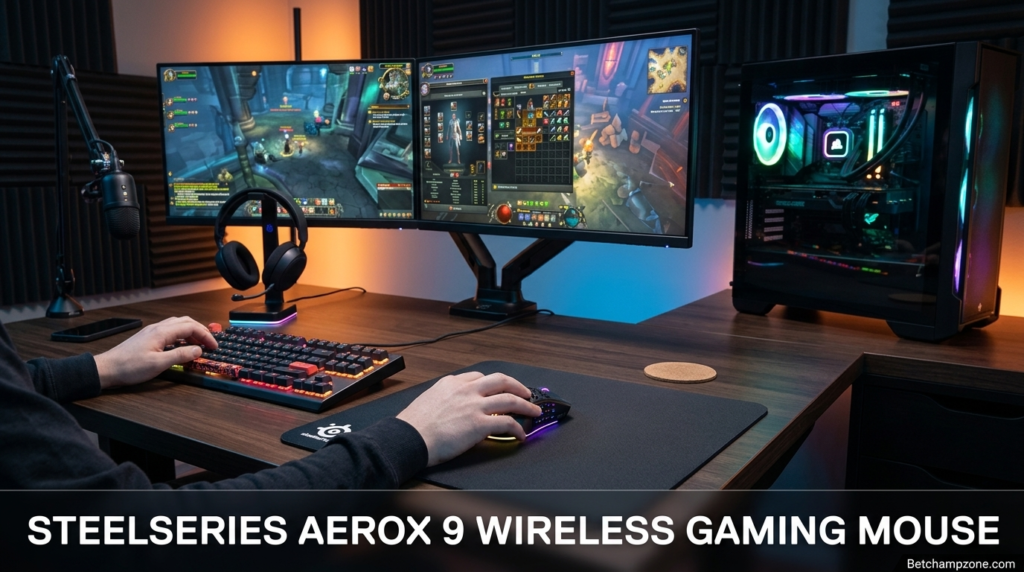
Reviewers generally describe the wireless performance as solid. TechPowerUp said it performs on the same level as other recent steelseries aerox 9 wireless gaming mouse mice. Tom’s Hardware used 2.4GHz Quantum 2.0 for the smoothest experience, which matches the standard advice: use the dongle for gaming and Bluetooth for everything else.
Comfort and grip
The Aerox 9 is designed for a palm grip. Digital Trends found the palm grip comfortable in its natural resting position. Because it is right-handed only, left-handed users should look elsewhere.
At around 89g it is light for a mouse with this many buttons. It isn’t a competitive FPS mouse, though. FPS players who want a sub-60g mouse are better served by lighter options. For MMO and MOBA play, where you click often but flick less, the weight is a benefit but not the main concern.
Pros and cons
Strengths
- Light for a wireless MMO mouse
- 18 programmable buttons
- Dual wireless modes plus wired fallback
- IP54 protection against dust and splashes
- Flexible software customization
Weaknesses
- Default-mode battery life of about 80 hours is far below the headline figure
- Button grid takes time to learn
- Digital Trends found the USB-C dongle design restrictive
- Right-handed only
- Price is high for casual players
How it compares
Versus the Aerox 5 Wireless: The Aerox 5 is lighter (Best Buy lists it at 74g) and has 9 buttons. GamesRadar points out that the only difference between them is the side button slab. If you don’t use many side buttons, the Aerox 5 is the cheaper, lighter choice.
Versus the Razer Naga Pro: Digital Trends called the Aerox 9 a rare MMO/MOBA mouse that can hang with the Naga Pro, and said most of its specs are about on par. The Naga Pro offers swappable side plates, while the Aerox 9 is lighter. I haven’t compared them directly, so check recent reviews if you’re torn.
Price
SteelSeries’ site lists it at $149.99 as of my research, and reviews around launch quoted the same figure. Retailers vary widely. I saw a Best Buy deal listing at $119.99 (down from $189.99) and a higher Australian retail price. Prices differ by region and date, so compare current listings. Watch for special editions, such as the World of Warcraft edition, which may cost more.
Who should buy it
Good fit if you:
- Play MMOs or MOBAs and use many hotkeys
- Want a wireless mouse with a lighter feel
- Are right-handed and use a palm grip
- Will manage RGB settings to protect battery life
Probably skip it if you:
- Mainly play fast-paced shooters
- Want a mouse that charges once a month with default settings
- Are left-handed
- Rarely use side buttons
Common mistakes
- Trusting the 180-hour headline. Check which mode it applies to.
- Leaving RGB on full. Lighting is the easiest way to shorten battery life.
- Judging the button grid on day one. It takes practice.
- Buying for FPS. The design priorities favor MMO and MOBA play.
Frequently asked questions steelseries aerox 9 wireless gaming mouse
Is the steelseries aerox 9 wireless gaming mouse good for FPS games?
It can work, but it is designed for MMO and MOBA play. Its weight and button layout are not aimed at competitive shooters.
How long does the battery last?
Up to 180 hours on Bluetooth or low-power 2.4GHz, and up to 80 hours in default 2.4GHz mode, per SteelSeries. Real results vary with lighting.
Is it waterproof?
No. It is rated IP54, which protects against dust and splashes, not submersion.
Can I use it wired?
Yes. A USB-C cable is included for wired use and charging.
Does it work with Bluetooth?
Yes, Bluetooth 5.0 is supported alongside the 2.4GHz dongle.
Conclusion steelseries aerox 9 wireless gaming mouse
The steelseries aerox 9 wireless gaming mouse is a focused mouse. Its strengths are a low weight for its class and a flexible side-button grid. Its main limits are default battery life, a learning curve, and its right-handed shape. If you play MMOs or MOBAs and want a lighter wireless option, it is worth a close look, ideally at a discounted price. If you don’t need the extra buttons, the Aerox 5 Wireless gives you the same basic design for less.
