
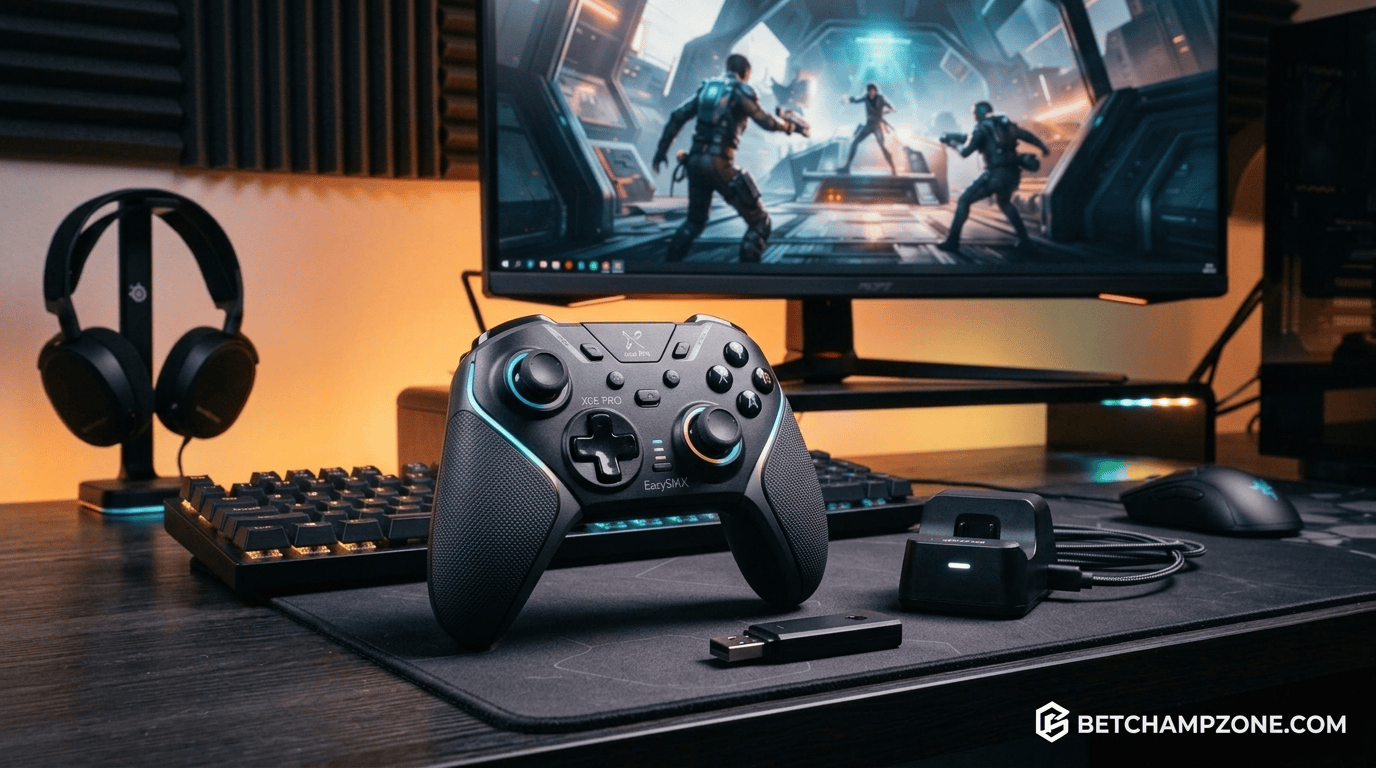
The easysmx x05 pro pc wireless gamepad is a budget controller with an Xbox-style layout, three connection modes and a few features usually found on pricier pads. This guide covers what it offers, how it behaves on a PC, one reported problem you should know about, and who it suits.
How this article was produced: I did not test this controller hands-on. It is based on the manufacturer’s and retailers’ listed specifications and on published reviews from late 2025. Where something is a reviewer’s opinion rather than a spec, I say so. Prices and firmware change, so confirm current details before you buy.
What the easysmx x05 pro pc wireless gamepad Is
The X05 Pro is the upgraded version of the standard EasySMX X05. It keeps the same Xbox-style layout, with offset sticks and the D-pad in the lower left. Reviewers noted that the Pro stayed close to the original’s price, roughly $35 in the US and about £30 in the UK around its late-2025 launch. Treat those figures as a reference point, not today’s price.
It comes in white, black and Aurora Purple. The box includes a USB-C to USB-A cable, a 2.4 GHz USB receiver and a manual. A bundle with a charging dock also exists.
Key Specifications at a Glance
The figures below come from retailer listings and review spec sheets.
The controller connects over 2.4 GHz wireless, Bluetooth or a wired USB-C cable. The polling rate is 1000 Hz in both 2.4 GHz and wired modes, and 125 Hz to 250 Hz over Bluetooth. The battery is 1,000 mAh and charges over USB-C. The controller weighs about 261.6 g.
For feel and control, it has Hall effect thumbsticks, which are designed to resist stick drift. It has dual-stage vibration triggers with a 2+2 motor setup, plus two extra buttons (M1 and M2) and adjustable RGB lighting. The buttons are marketed as low-noise.
Connecting It to a Windows PC
For gaming on a PC, the 2.4 GHz receiver is the mode to use. It carries the full 1000 Hz polling rate and avoids the lower rate and pairing quirks of Bluetooth. Review coverage describes setup as simple: plug in the controller by cable or insert the receiver, and Windows recognizes it without manual device pairing.
Use Bluetooth when you have no free USB port or want to connect to a phone or tablet. Because its polling rate is lower, it suits slower games better than competitive ones.
If a game sees the pad but misreads the buttons, try a different connection mode first. If the problem is on Bluetooth, remove the pairing and repeat it from scratch.
If you want to play Steam games, Steam Input can handle the mapping. A reviewer testing on a Linux desktop and a Steam Deck reported no input problems there.
Features That Matter in Daily Use
Hall effect sticks
Traditional sticks use potentiometers that wear down and can cause drift, where the cursor moves on its own. Hall effect sensors use magnets and avoid that kind of wear. They are a sensible feature on a budget pad, though no sensor type is a guarantee of a drift-free life.
Quiet buttons
A reviewer who dislikes loud clicks called the pad very quiet, with only a slight click from pressing the sticks in. This helps if you play late at night or share a room.
On-controller customization
You can set the lighting directly on the controller with no app: a moving color bar, a breathing effect, a solid color or off. Remapping M1 and M2 also works on the controller itself. According to one review, you hold the M button together with M1 or M2 until it flashes, tap the target button, then press M again.
Dual-stage triggers
A trigger lock system lets you switch between short, click-style pulls and long analog travel. Long travel suits racing and driving games, while short travel suits shooters where fast response matters.
The Reported Trigger Problem
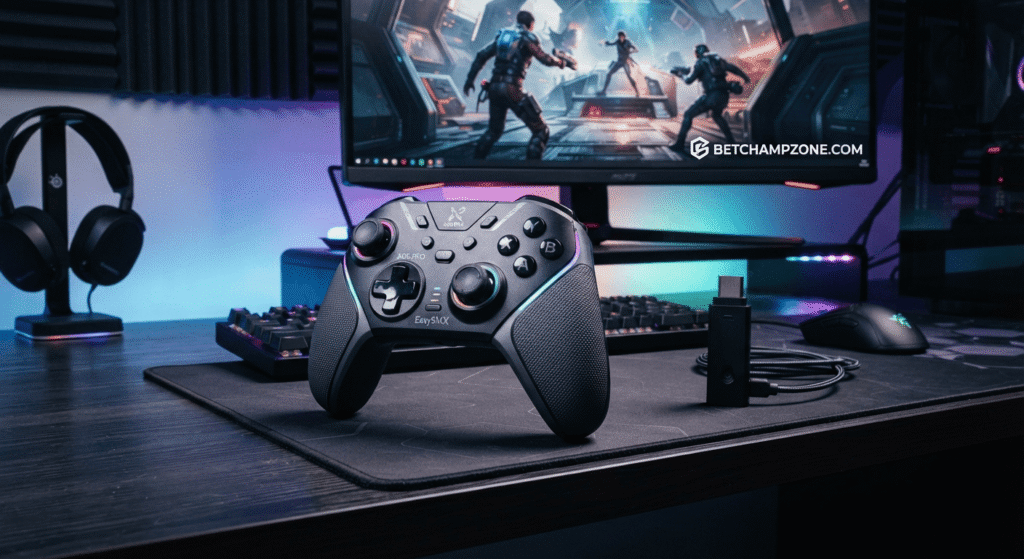
One review stands out. GamingOnLinux praised the comfort, quietness and value but said it could not recommend the controller at the time of writing. The reviewer reported that after a few quick, light presses in long-travel mode, the triggers began registering as fully pressed until they were pulled hard to reset.
That reviewer suspected a software cause and hoped for a firmware fix. A later reader comment on the same page said they had not seen the problem and found the triggers very granular in a truck simulator. I could not confirm from available sources whether it affects every unit or has been fixed.
This matters most if you play racing games, shooters or anything with analog trigger input. Buy from a seller with an easy return policy, test the triggers in a gamepad tester or your main game, and return the unit if you see this behavior.
Who It Suits and Who Should Look Elsewhere
It is a good fit if you want a cheap wireless pad for PC, need a controller that can also work with Switch, Android or iOS, or want a quiet pad with Hall sensors. Reviewers also found it comfortable. Two reviewers rated it favorably against much more expensive pads in terms of fit in the hand.
Look elsewhere if you rely on precise analog triggers and cannot risk the reported issue. Also look elsewhere if you prefer a PlayStation-style symmetrical stick layout, or need an Xbox console controller. Related X05 listings state they are not compatible with Xbox consoles. Buyers who need rear paddles, software-based profiles or the very latest wireless tech may find a more expensive pad serves them better.
Common Mistakes When Buying
Many buyers choose Bluetooth as their only mode and then wonder why a fast game feels less responsive. Use the receiver for PC play.
Another mistake is assuming every listing is the Pro. The standard X05 is a different model with fewer upgrades, so check the model name before ordering. Finally, don’t treat a low price as the whole story. A cheap controller is only a bargain if it works reliably, so check the return window.
Frequently Asked Questions easysmx x05 pro pc wireless gamepad
Does the easysmx x05 pro pc wireless gamepad work with PC?
Yes. It connects to Windows PCs by 2.4 GHz receiver, Bluetooth or USB-C cable. Reviewers describe the wired and receiver setup as plug and play.
Is the easysmx x05 pro pc wireless gamepad good for competitive gaming?
Its 1000 Hz polling rate in 2.4 GHz and wired mode is a strong spec for the price. The reported trigger issue is the main concern, so test the triggers before relying on it in a competitive title.
Does it have stick drift?
It uses Hall effect thumbsticks, which are designed to resist drift. Long-term durability cannot be confirmed from launch-period reviews.
Can I use it on Xbox, Switch or mobile?
Marketing and reviews list PC, Nintendo Switch, Android and iOS 13 or later as supported. Related X05 listings say the controller does not work with Xbox consoles.
How long does the battery last?
It has a 1,000 mAh rechargeable battery charged over USB-C. I found no independent battery-life test in the sources reviewed, so I won’t give an hours figure. Actual life will vary with lighting and vibration use.
Final Verdict
The easysmx x05 pro pc wireless gamepad offers a lot for its price: three connection modes, 1000 Hz polling, Hall sensors, quiet buttons and on-controller customization. Its comfort earned praise from several reviewers. The main uncertainty is the trigger behavior one reviewer reported. If you buy one, check the triggers right away and keep the return window in mind.
